Tel : 86-0755-89999957 /
  Email : colin@aohuadz.com







|
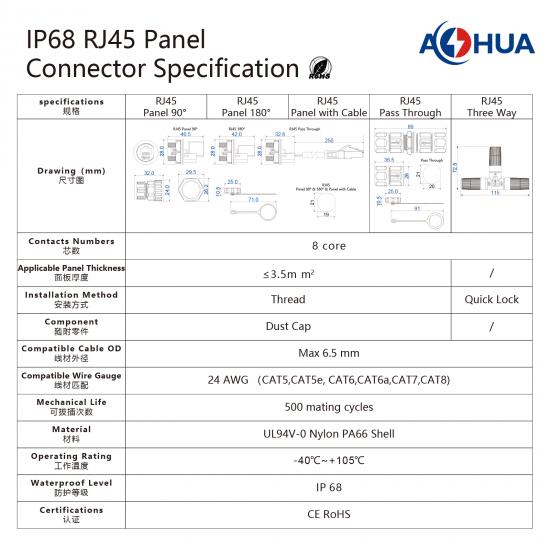
Specification |
Details |
|---|---|
|
Product Name |
IP68 RJ45 Panel Waterproof Connector |
|
Brand |
AOHUA |
|
Contacts |
8 Core |
|
Applicable Panel Thickness |
≤ 3.5mm (Thread Installation) |
|
Installation Method |
Thread / Quick Lock |
|
Compatible Cable OD |
Max 6.5 mm |
|
Compatible Wire Gauge |
24 AWG (CAT5, CAT5e, CAT6, CAT6a, CAT7, CAT8) |
|
Mechanical Life |
500 Mating Cycles |
|
Material |
UL94V-0 Nylon PA66 Shell |
|
Operating Temperature |
-40℃ ~ +105℃ |
|
Waterproof Level |
IP68 |
|
Certifications |
CE, RoHS |
|
Accessories |
Dust Cap |
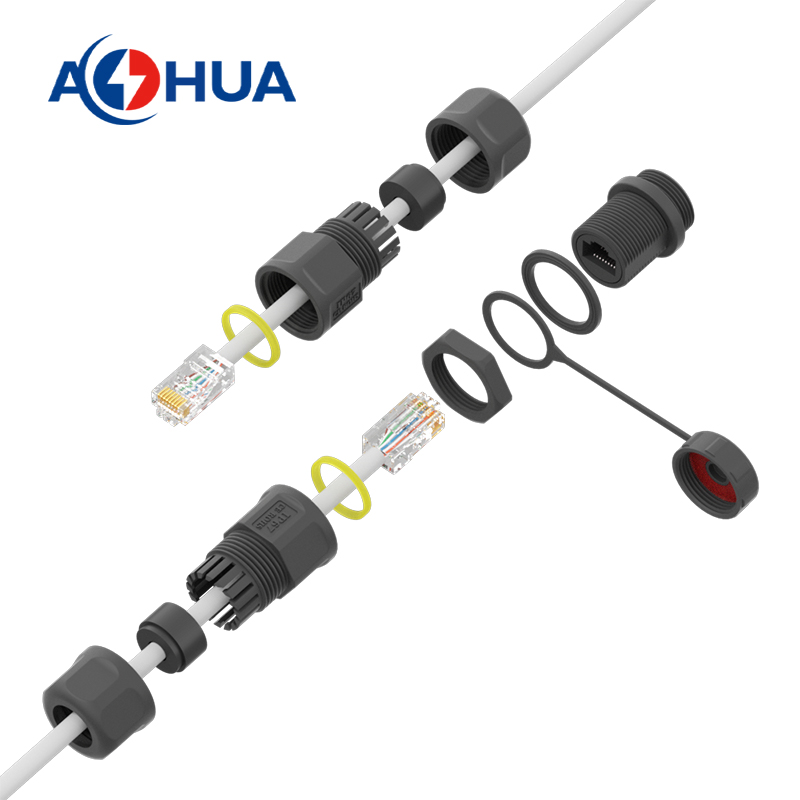
Top-Tier IP68 Protection: Provides complete protection against dust and continuous immersion in water, making it perfect for outdoor and industrial applications.
High-Speed Data Transmission: 8-core design supports standard RJ45 connections (CAT5 to CAT8), ensuring stable and fast Ethernet communication.
Durable & Flame Retardant: Constructed from high-quality UL94V-0 Nylon PA66 material, offering excellent resistance to aging, corrosion, and extreme temperatures (-40℃ ~ +105℃).
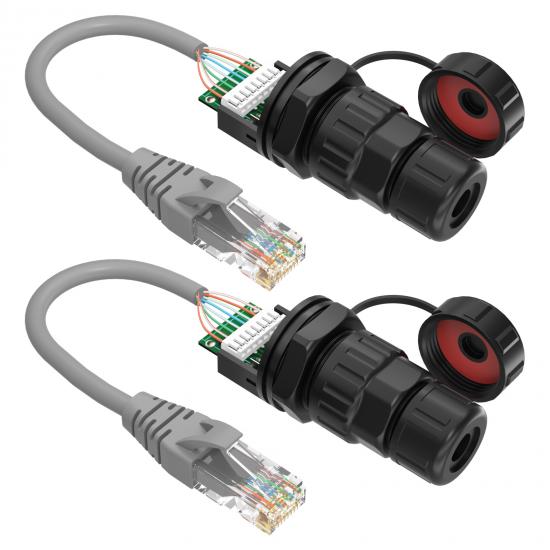
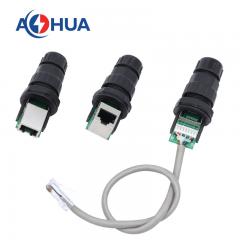
Versatile Installation Options: Available in multiple configurations including 90° Panel, 180° Panel, Panel with Cable (approx. 25cm), Pass Through, and Three Way to meet diverse project requirements.
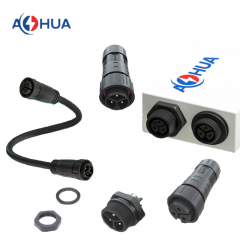
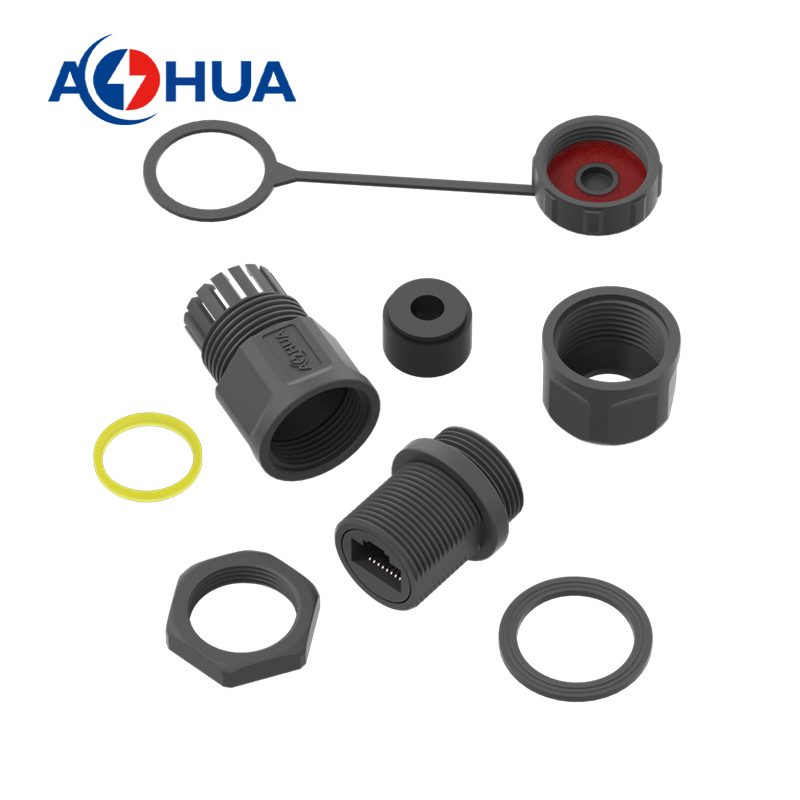
Secure Panel Mounting: Features a threaded installation method with a hex-nut and silicone gasket. The flat hole position design prevents the connector from twisting during tightening.
Extended Mechanical Life: Rated for 500 mating cycles, ensuring long-term reliability and durability.
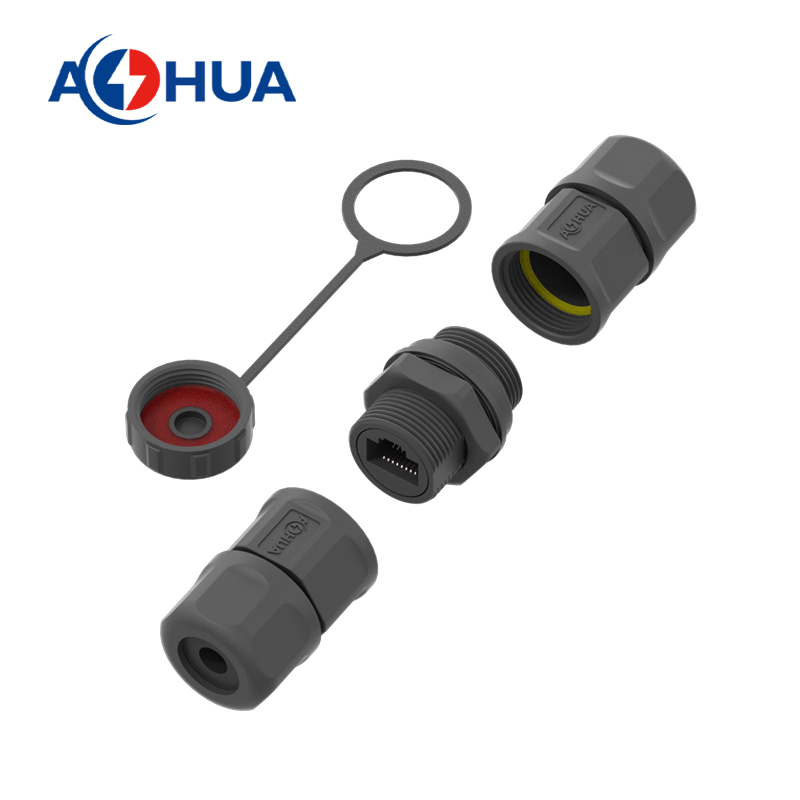
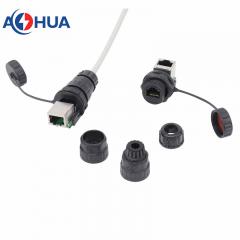
Anti-Dust Design: Comes with a dust cap to protect the RJ45 core from contaminants when not in use.
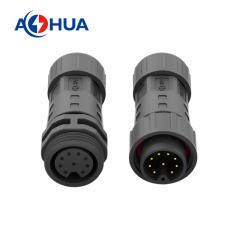
The AOHUA IP68 RJ45 Panel Connector is a robust solution designed to provide secure, high-speed, and waterproof Ethernet connections in harsh industrial and outdoor environments. Featuring an 8-core configuration compatible with CAT5, CAT5e, CAT6, CAT6a, CAT7, and CAT8 cables, this connector ensures reliable data transmission. With an IP68 waterproof rating, UL94V-0 Nylon PA66 housing, and a wide operating temperature range, it is the ideal choice for outdoor network setups, CCTV systems, and LED displays.
Available Configurations
- RJ45 Panel 90°: Compact right-angle design for space-saving panel installations.
- RJ45 Panel 180°: Straight-through panel mount design.
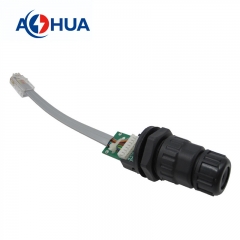
- RJ45 Panel with Cable: Pre-attached with approximately 25cm of Ethernet cable and crystal connector for easy integration.
- RJ45 Pass Through: Quick lock mechanism for seamless cable pass-through.
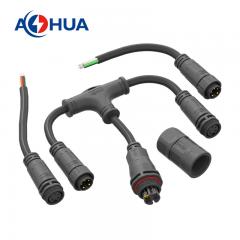
- RJ45 Three Way: T-type or multi-port branching solutions.
Applications
Ideal for a wide range of outdoor and industrial network connection scenarios:
- Outdoor LED Displays & Digital Signage: Ensuring stable network connections for outdoor advertising screens.
- Security & Surveillance: CCTV camera installations and outdoor network video recorders (NVR).
- Industrial Automation: Connecting sensors, controllers, and machinery in humid or outdoor factory environments.
- Telecommunications: Outdoor network cabinets, Wi-Fi access points, and base station equipment.
- Renewable Energy: Monitoring and control systems for solar panels and wind turbines.
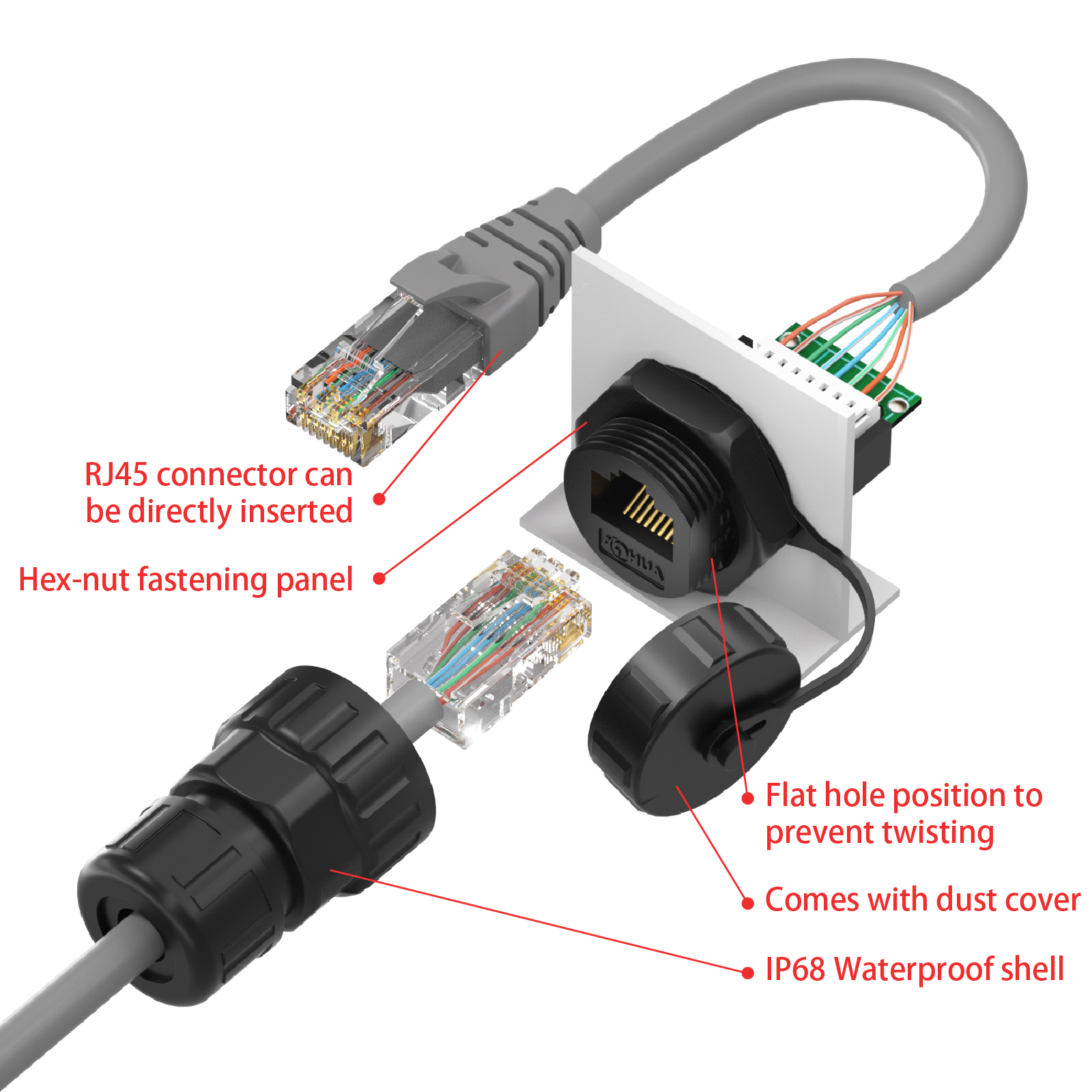
Installation Guide (6 Easy Steps)
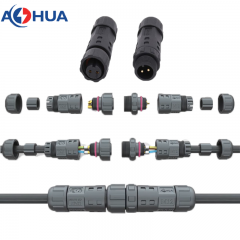
- Disassemble Components: Unscrew and separate all parts of the waterproof connector, including the dust cap, seal rings, housing, and nut.
- Panel Installation: Insert the RJ45 core assembly through the perforated panel. Pay close attention to the placement order of the silicone gasket, hex-nut, and other parts on both sides of the panel to ensure a tight seal.
- Secure to Panel: Tighten the hex-nut firmly to secure the RJ45 connector to the panel. Ensure the flat hole position aligns correctly to prevent twisting.
- Thread the Cable: If using a panel-with-cable version, ensure the Ethernet cable with the crystal connector is properly placed inside the waterproof casing. For field-wiring versions, thread the external Ethernet cable through the housing.
- Align and Dock: Connect the male and female RJ45 interfaces and perform docking.
- Final Tightening: Tighten all nuts (screw-nut and coupling nuts) securely. Check to ensure there is no looseness and that the dust cap can be properly attached when not in use.


 86-0755-89999957
 colin@aohuadz.com